Following, feeds, and discovery
How the three home tabs are built, how to tune what you see, and how following works.
Novagora is follow-based: what you see is mostly shaped by who and what you follow. Following a person brings their posts to you; following a Space brings the Space's public activity.
Your home feed
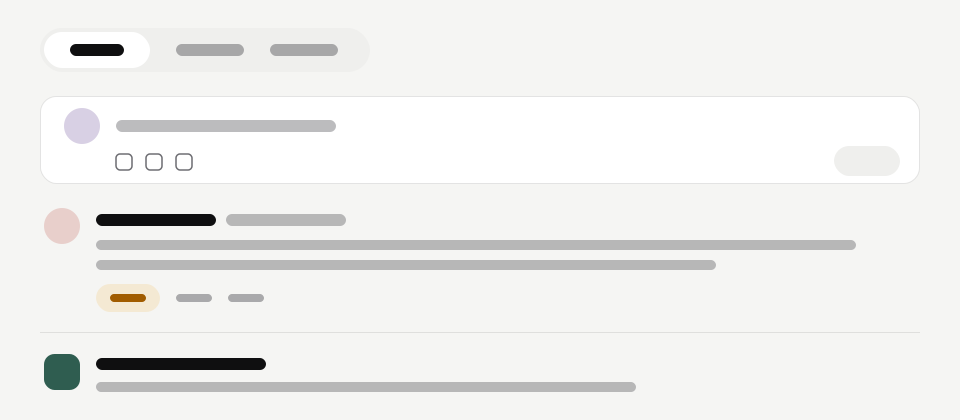
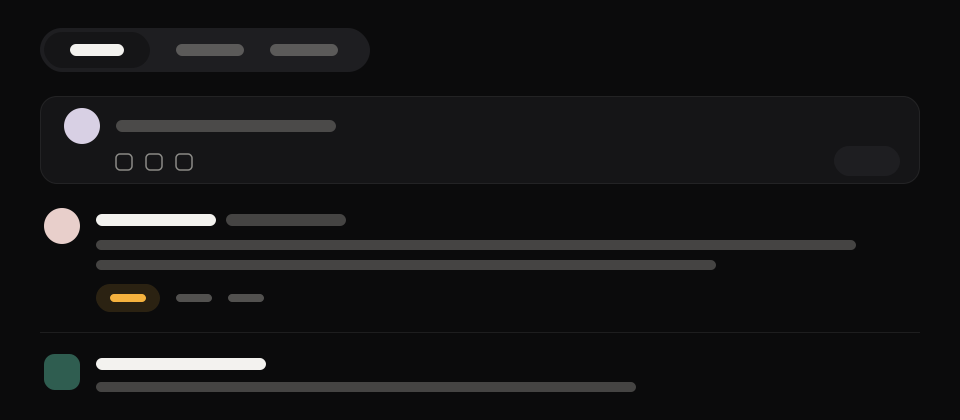
Home has three tabs:
- For You — a ranked mix of the most relevant recent activity from the people and Spaces you follow, with a few featured Spaces you do not follow mixed in so the feed can grow.
- Following — the same sources in plain reverse-chronological order, plus posts that use a hashtag you follow.
- Trending — what people across Novagora are reading right now. It is a bounded list, so it ends rather than scrolling forever.
Paid promotion can lift a post, article, or event in ranking. Anything promoted carries a Promoted label wherever it appears, so you always know why it is in front of you. See Promoting your content.
Read a feed for long enough and its paging position can expire; the list then starts again from the top rather than continuing where you were.
Following people and Spaces
Follow appears on profiles, Space pages, hashtag pages, search results, and the suggestion rails. Following a public account or Space is instant.
- Following a private account creates a follow request. Nothing protected is visible until they accept. Requests you receive are under Follow requests.
- Only public Spaces can be followed. A private Space has no Follow; its content needs membership.
- Following a Space is not the same as joining it. You can follow without being a member, and be a member without following.
Unfollowing is the same button. Withdrawing a pending follow request works the same way.
You can follow up to 5,000 accounts, pending follow requests included, and up to 1,000 Spaces. At the limit, following says so; unfollow one to make room.
Tuning your feed
Every post carries a More options menu (Feed options in the app):
| Action | What it does |
|---|---|
| Not interested | Tells ranking you want less like this |
| Hide this | Removes that one post from your feed |
| Mute name | Hides that person's activity from your feed, silently |
| Mute this Space | Hides that Space's activity from your feed |
None of these tell the other person anything. Everything you have marked is listed under Settings → Blocked & muted on the web and Hidden & muted content in the app, with an action on each row (Unhide, Unmute or Undo) to put it back, so nothing you hide is hidden from you permanently.
Muting is lighter than blocking. To cut off contact entirely, see Blocking, muting, and hiding.
When the feed is empty
A new account has nothing to rank. For You stays empty until you follow a few people and Spaces; Following stays empty until someone you follow posts. Explore is the fastest way out of both.
At the bottom of a feed you have read to the end, Novagora says so rather than repeating older posts.